Installing NODO
Pick Java or Blocks/OnBot Java
Android Studio Installation Guide
NODO is distributed as an Android library via Gradle (JitPack). Follow these steps to add it to your FTC project.
1. Add the Repository
Open your FTC Android Studio project and find the root build.gradle file (the whole project, not TeamCode).
In the allprojects { repositories { ... } } block, add JitPack:
allprojects {
    repositories {
        mavenCentral()
        google()

        maven { url 'https://jitpack.io' }
    }
}
2. Add the dependency
Open TeamCode build.gradle and add:
implementation 'com.github.BrainStem-FIRST:NODO:v1.0.1'
Example dependencies block:
dependencies {
    implementation project(':FtcRobotController')
    implementation 'org.ftclib.ftclib:core:2.1.1'

    implementation 'com.github.BrainStem-FIRST:NODO:v1.0.1'
}
3. Sync Gradle
Click Sync Now when Android Studio prompts you. NODO classes under com.nonodo will resolve against your existing FTC SDK.
Blocks / OnBot Java Installation Guide
1. Download the JAR
Go to the NODO GitHub Releases page and download nodo-1.0.1.jar (attached to the release).
2. Open OnBot Java
On the Robot Controller, open OnBot Java.
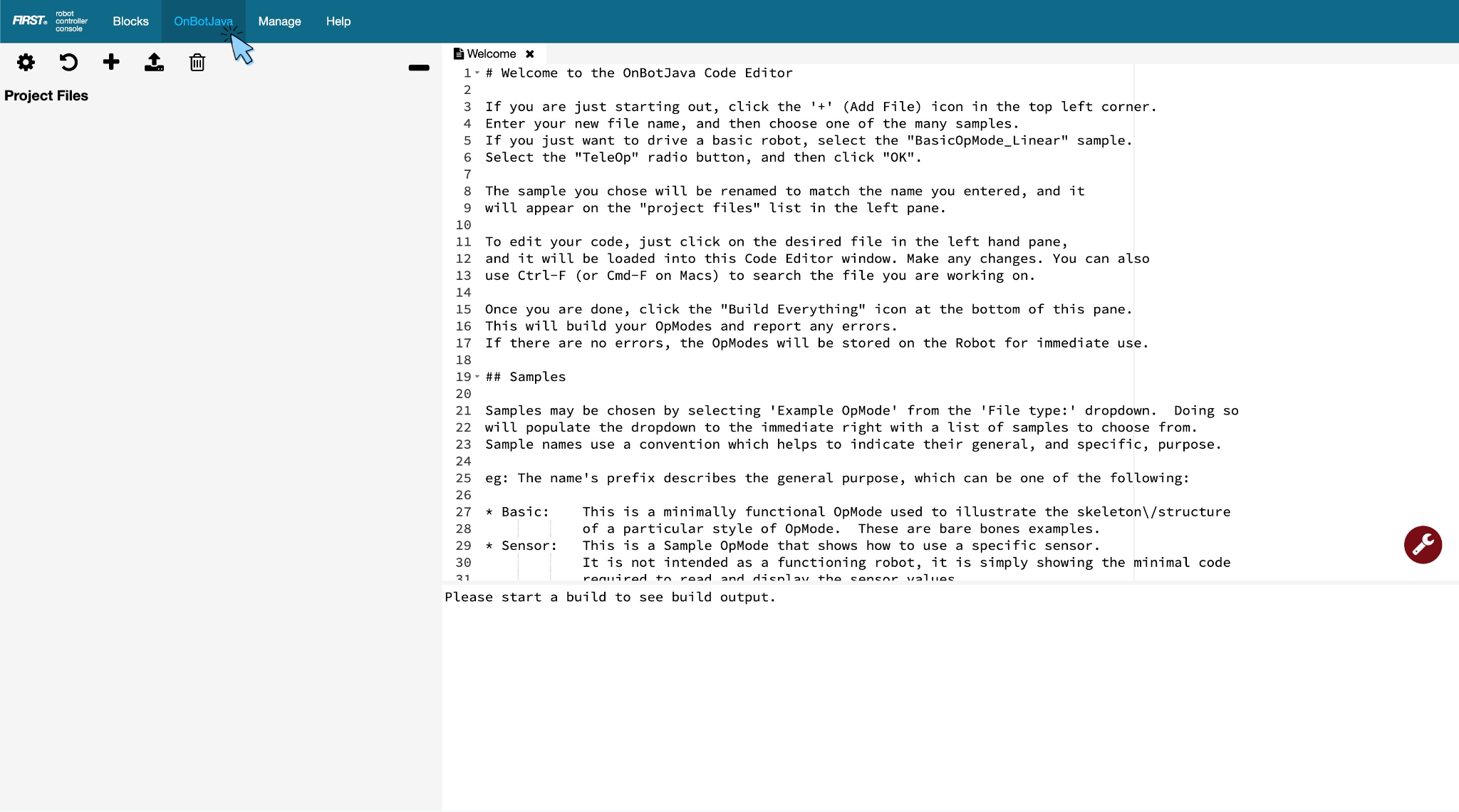
3. Upload the library
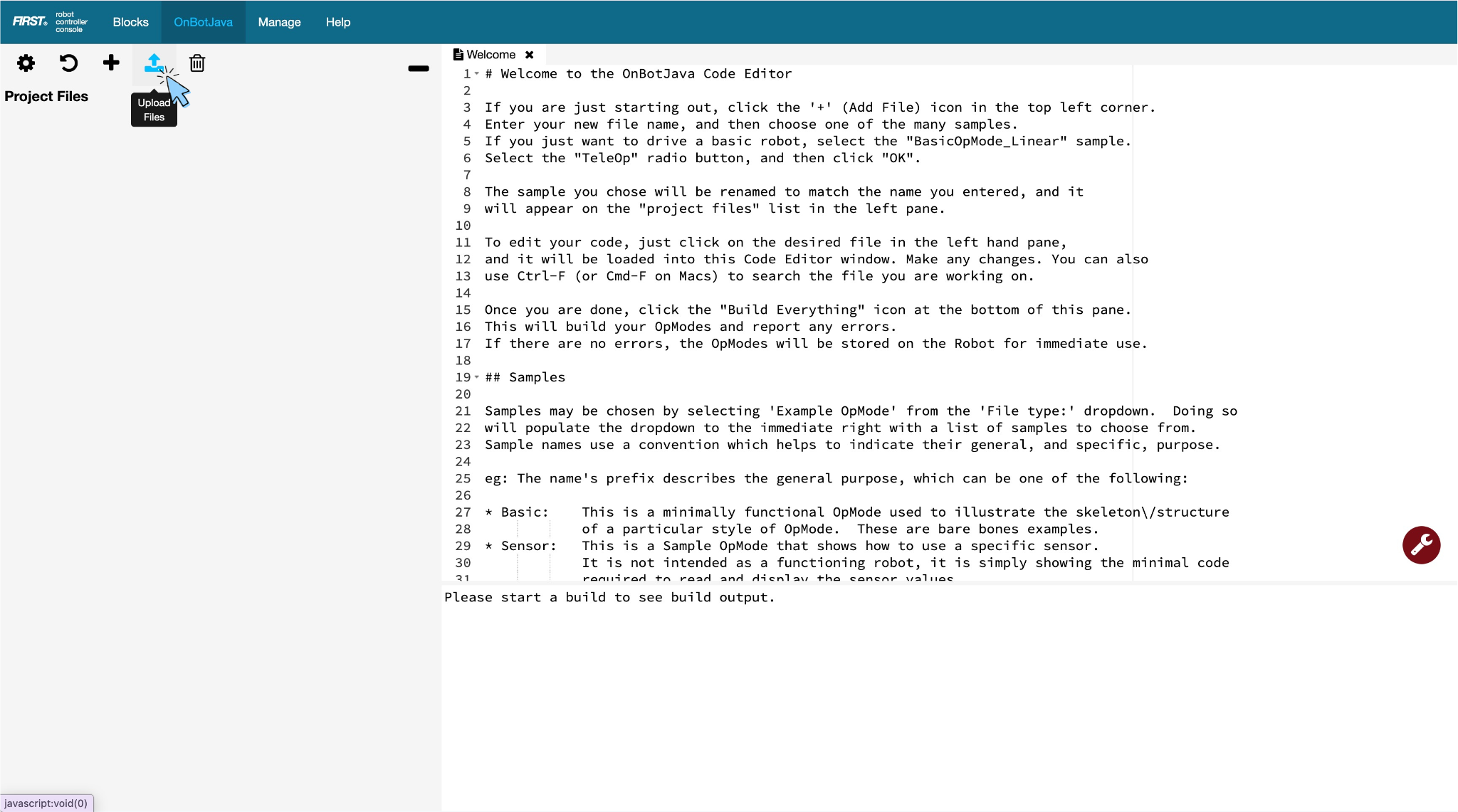
-
Click Upload
-
Select
nodo-1.0.1.jar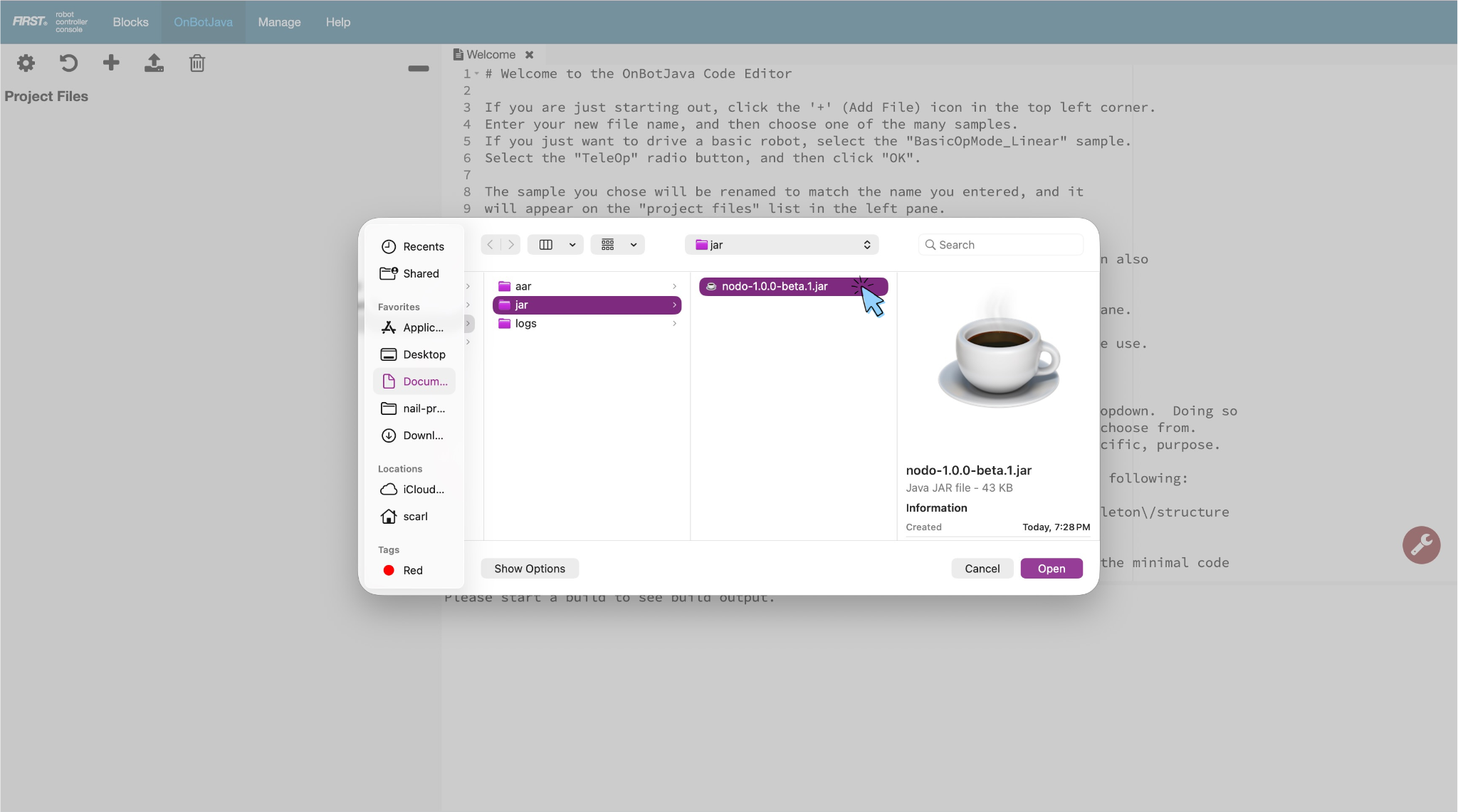
-
Once it is done updating, click close
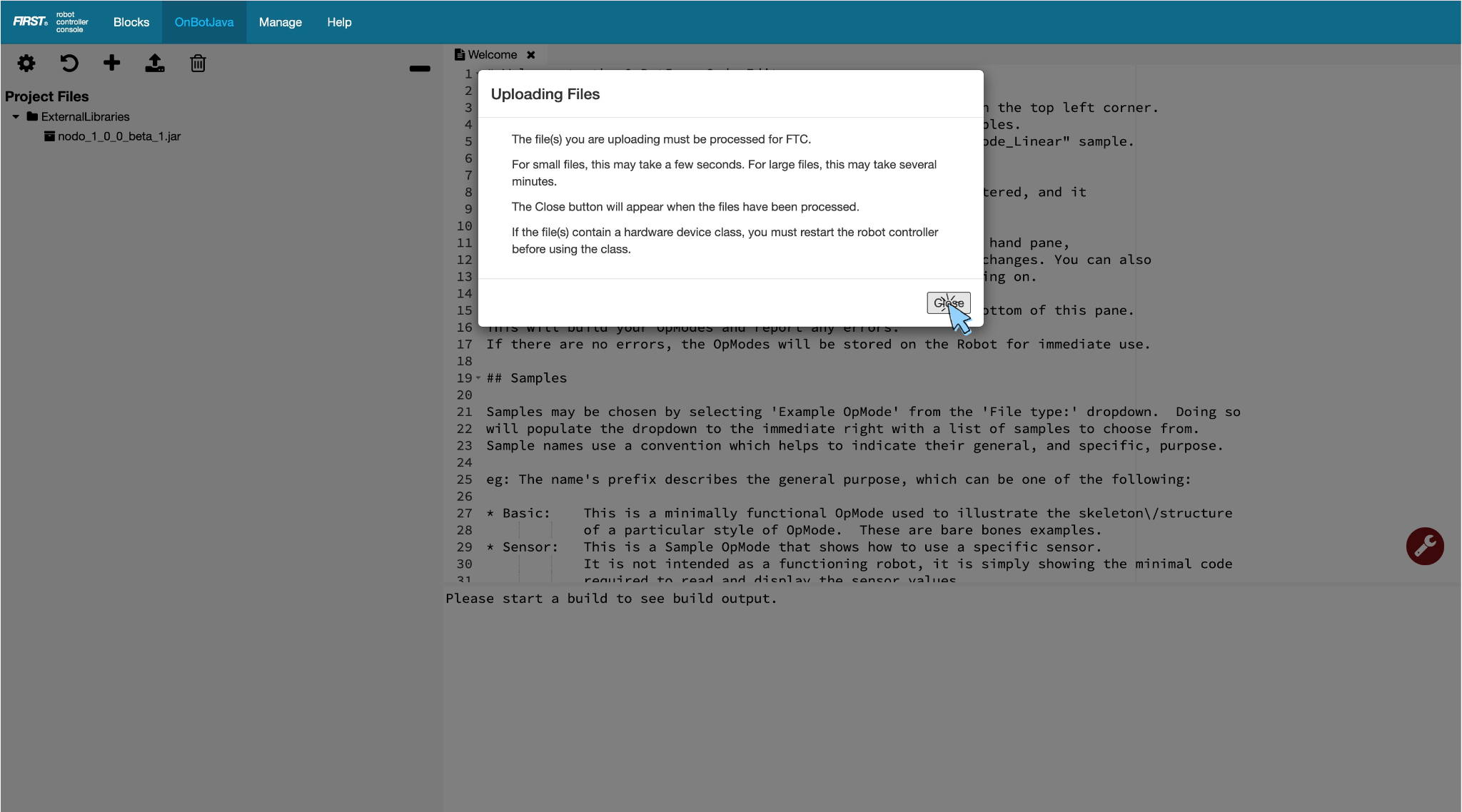
When the upload succeeds, NODO library will appear under external libraries in OnBot Java, and NODO blocks appear under NODO Init and NODO Run in FTC Blocks.
If upload says classes already exist in FtcRobotController
OnBot rejects a library when any class in the JAR can already be loaded from the installed Robot Controller app.
Usual cause: this robot already has NODO baked in from Android Studio (implementation 'com.github.BrainStem-FIRST:NODO:...' in TeamCode). Pick one install path per robot:
| Path | What to do |
|---|---|
| Blocks / OnBot only | Remove the Gradle NODO dependency, rebuild/reinstall the RC app (or use a stock REV/FTC RC), then upload the thin JAR |
| Android Studio only | Keep the Gradle dependency; do not also upload the JAR on OnBot |
Also delete any older nodo*.jar under ExternalLibraries in OnBot Java before re-uploading.
4. Download TestOpmode.blk
On the same Releases page, also download TestOpmode.blk. You will import it in Quickstart.